Flashcards · Learn mode · Practice tests
Turn tonight's notes into cards you'll actually remember on Thursday.
Paste your notes or drop in the PDF. Recall makes the cards, keeps asking about the ones you miss, and spaces your reviews out so they're all done before the exam. It started as a study tool built the night before a bio exam.
- No sign-up
- Works offline
- Notes stay on your device
Go on, try one.
Card 1 of 4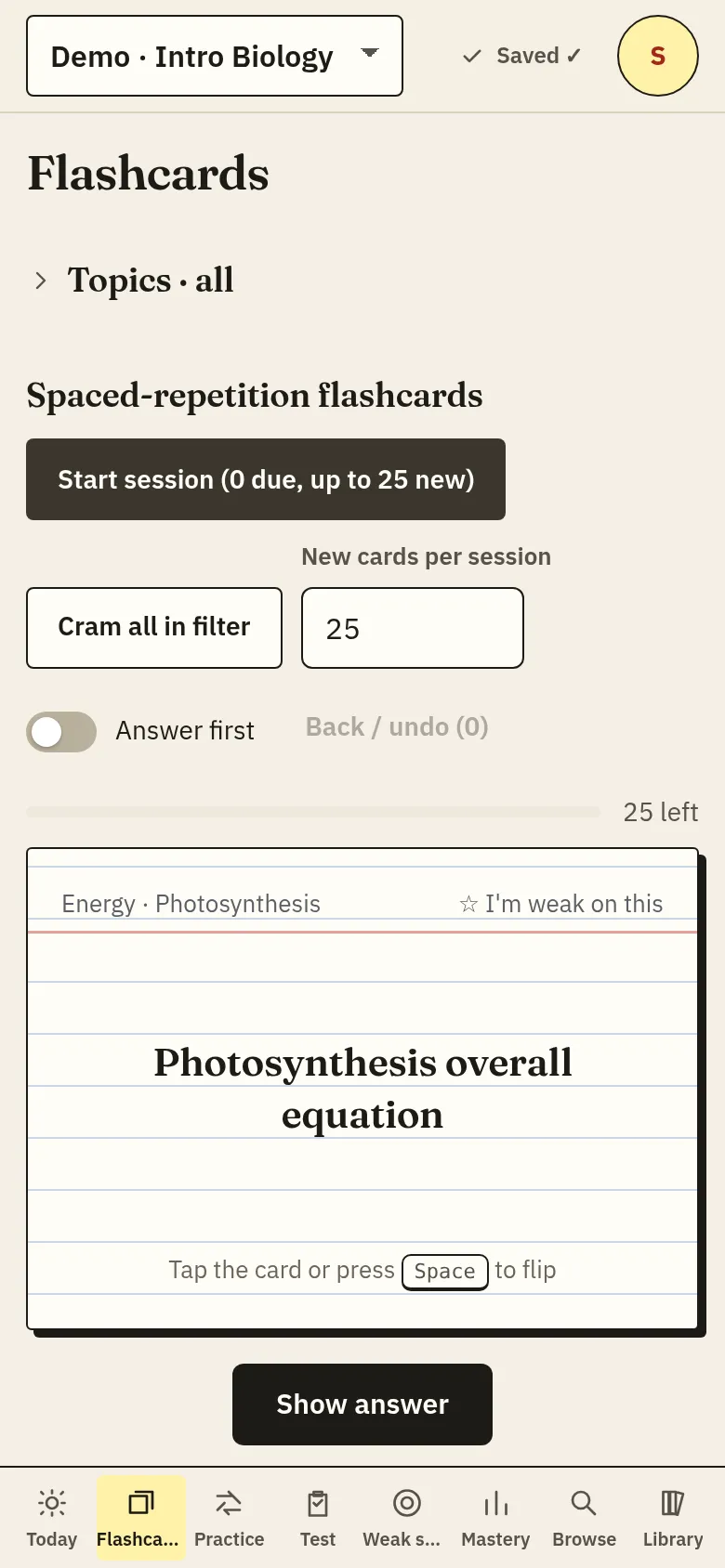
The routine
What a study night looks like
Dump everything in. Paste lecture notes, or import the PDF, slides, Word doc, Notion export, Quizlet text or Anki deck. Lines like “la mesa – the table” or “GDP – total value of goods and services” become cards automatically. Messier notes can go to the study helper, which is optional.
Get quizzed, not reread. Learn mode starts with multiple choice and moves to typed answers. A term only counts as learned once you can write it. Misses come back sooner.
Set the exam date and stop guessing. Reviews get scheduled so nothing is still due after test day. Weak spots and practice tests show you what to look at tomorrow.
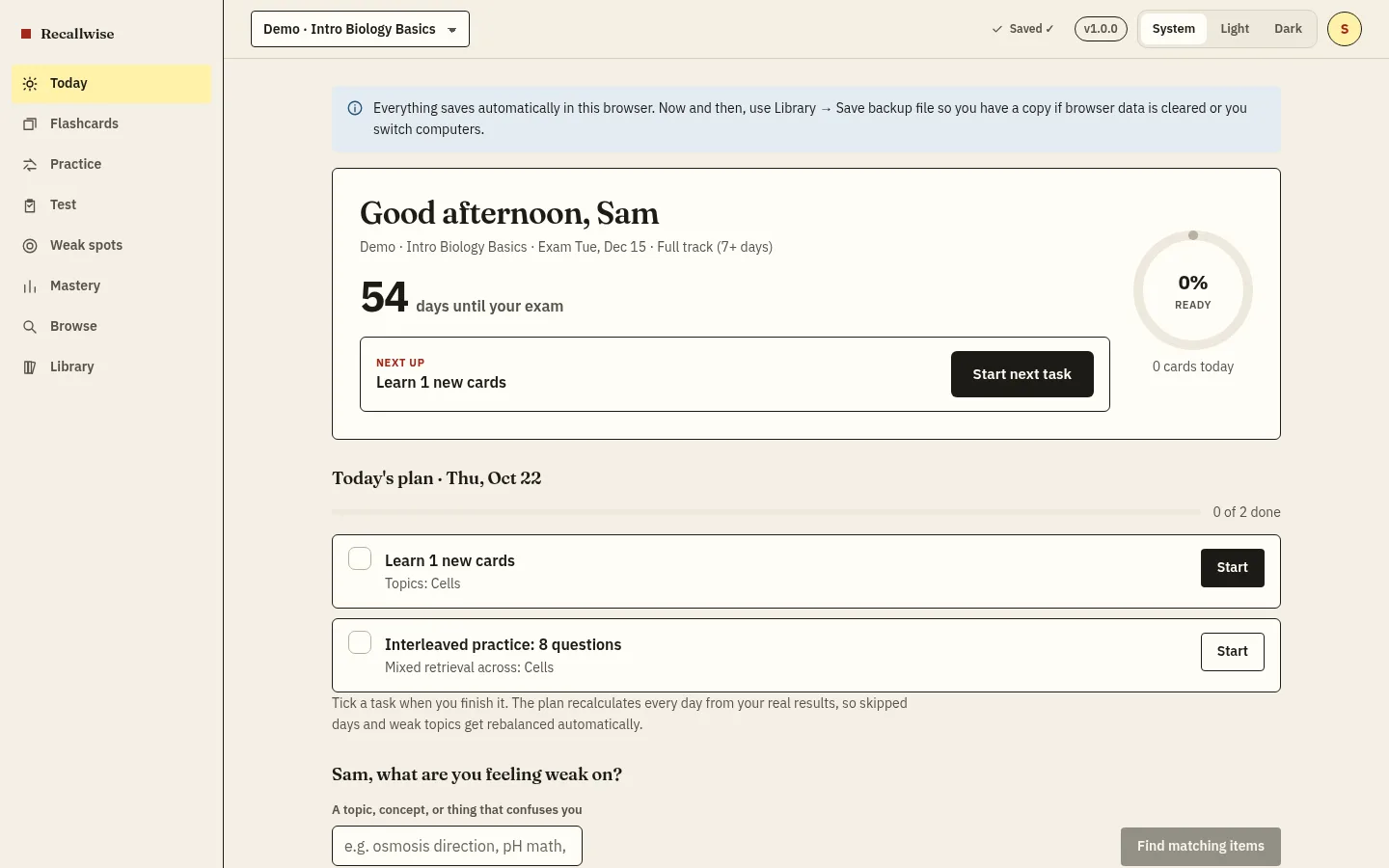
Every screenshot on this page is captured from this build by our automated tests. If it looks different when you open it, the tests should catch that.
What's inside
The whole kit
Everything here is free except the rows marked Pro.
- Spaced repetition
- Again / Hard / Good / Easy, scheduled around your exam date.
- Learn mode
- Adaptive rounds that go from multiple choice to typed answers until you've got every term.
- Practice tests
- Mixed questions, describe-it prompts with rubrics, and label-the-diagram drills.
- Imports
- PDF, DOCX, PPTX, Markdown, Notion, Obsidian, Evernote, OneNote, Apple Notes, Quizlet, Anki. Parsed on your device.
- Handwriting
- Write with a stylus or snap your notebook. Text recognition runs on the device.
- Notes
- Markdown notes with [[links]] to cards. “Term :: definition” lines turn into cards.
- Tutor Pro*
- Asks and answers from your own notes, with [S1]-style citations so you can check its work.
- Helper cards & plans Pro*
- Cards from messy notes, your mistakes explained, a day-by-day plan built around weak spots.
*A free account gets 10 helper requests a day so you can try these.
Pricing
Free to study
You pay only if you lean on the helper a lot.
Free
$0
All study modes, unlimited sets, imports, offline. 10 helper requests/day (30/month) with a free account.
Start freePro, yearly half price
$29.99 / year
Up to 80 helper requests/day (fair use 800/month), handwriting and diagram reading. Works out to about $2.50 a month.
Get ProFAQ
Fair questions
Do I need an account?
No. Studying, imports and notes all work without one. A free account (sign in with Google, no new password) is only needed for the study helper and to sync across devices.
Where does my stuff live?
In your browser on this device, and in your account too if you sign in, so it follows you to every device. You can export a copy from your Profile whenever you like. The study helper sends only the text you choose to our server, which passes it to a third-party language-model provider. The privacy policy has the details.
Does it work offline?
Yes. After the first visit, the app and your sets work with no connection, so a dead library Wi-Fi isn't a problem. The study helper and sync need a connection.
Can I bring my Quizlet or Anki cards?
Yes. Paste a Quizlet text export or import an Anki .apkg file.
What does Pro add?
More help: up to 80 helper requests a day for cards, explanations, the tutor, practice tests and plans, plus handwriting and diagram reading.
Can I put it on my phone?
On iPhone, use Share → Add to Home Screen. In Chrome or Edge, use “Install app”.